



Add Text to Photo Online
Put captions, quotes, watermarks, and labels on your photos instantly. Choose your font, size, color, and position - then download. Free, no watermark, no sign up required.


or click to browse
How to Add Text to a Photo Online
Upload Your Photo
Drag and drop or click to upload your image in JPG, PNG, WebP, or GIF format.
Add and Style Your Text
Select the Text tool, click on the image, type your text, and customize font, size, color, and alignment.
Download Your Image
Save your edited photo. No watermark added. Use it for social media, presentations, or any project.
Add Captions, Quotes, and Watermarks
Add text overlays for different goals, from social media captions and quote graphics to branded watermarks and promotional visuals. This section helps users understand how text can be used both for creative content and for practical brand protection.
Captions & Quotes
Add motivational quotes to landscape photos, product descriptions to promotional images, or news captions to journalism shots. Position text anywhere on the image.
Watermarks
Protect your work by adding a watermark with your name or logo. Adjust the text opacity for a subtle but visible mark. Great for photographers and content creators.
Best Practices for Readable Text
Readable text overlays depend on contrast, font choice, and text length. These simple best practices help make sure your message stays clear, visually balanced, and easy to understand across different image types and screen sizes.
Use Contrast
White text on dark images, dark text on light images. High contrast makes text legible at any size.
Keep It Short
Shorter text is easier to read at a glance. For social media, keep captions under 10 words directly on the image.
Choose the Right Font
Bold fonts for headlines and thumbnails. Clean sans-serif fonts for captions. Script fonts for creative or decorative use.
Sample Text Overlay Ideas
These examples show how adding text can change the purpose of an image and make it more useful for content, promotion, or communication. Text overlays work especially well when you want a photo to deliver a clearer message at a glance.


Inspirational Quote
Turn a simple photo into a shareable quote graphic for social posts, stories, or mood boards.
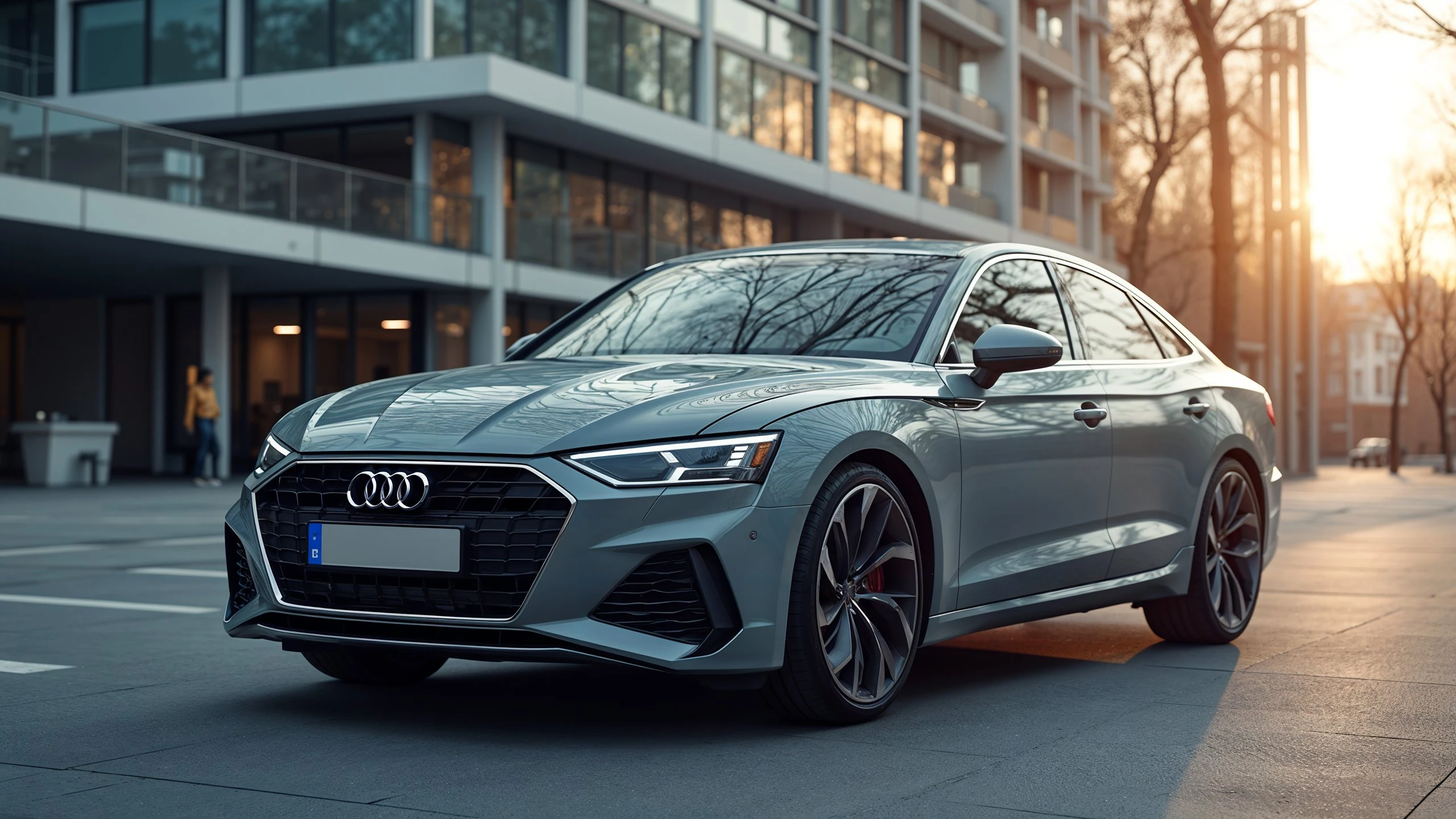
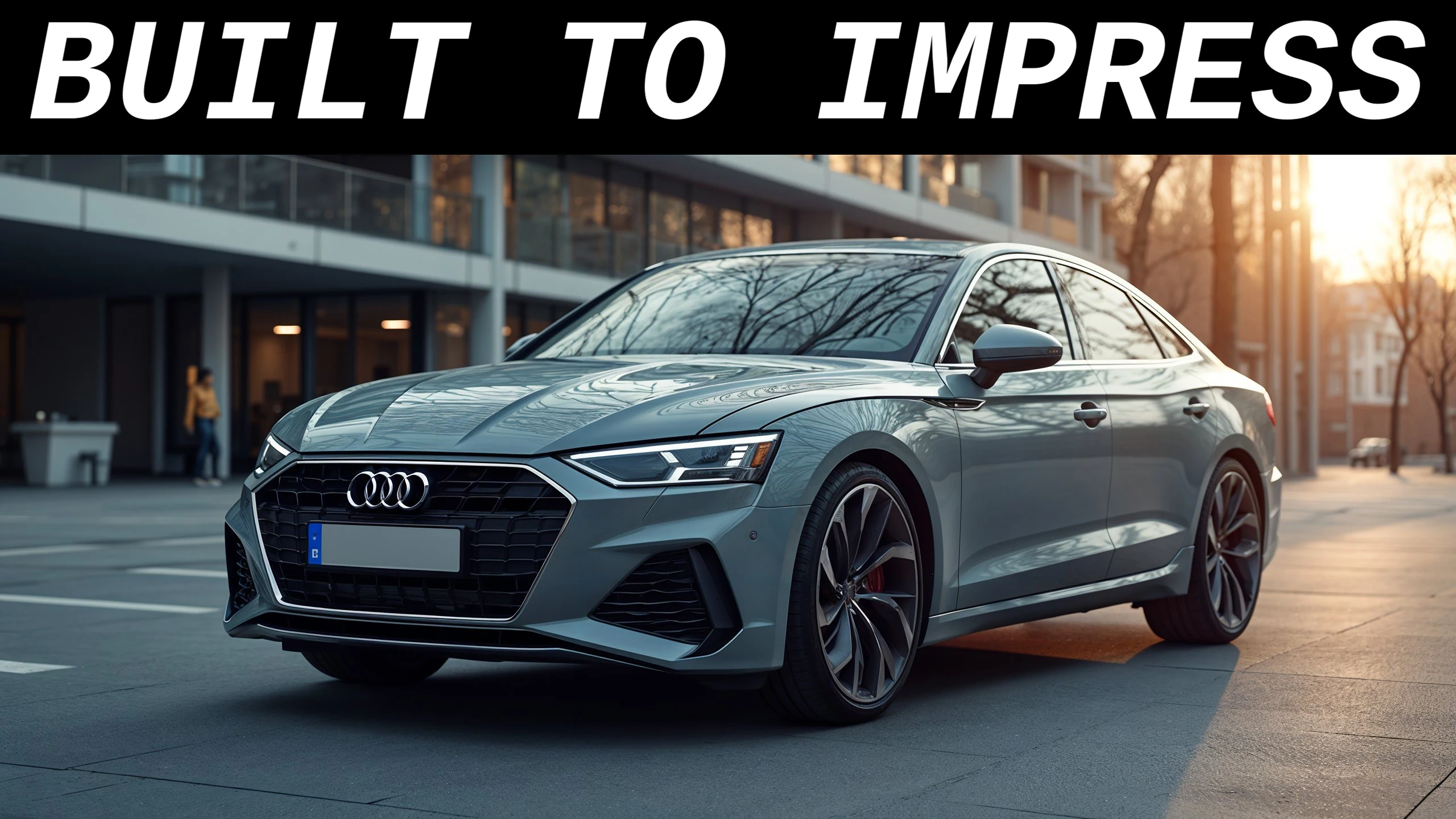
Promotional Headline
Add bold text to product or lifestyle photos for ads, thumbnails, banners, and marketing posts.
Use Cases
Adding text to photos is useful for social media, ecommerce, content marketing, presentations, and branded communication. Whether you need a meme, a thumbnail, or a promotional graphic, text overlays help give the image more context and purpose.
Memes
Create memes by adding bold caption text to the top and bottom of images in classic meme style.
YouTube Thumbnails
Add bold, eye-catching titles to thumbnail images to increase click-through rates on YouTube and other platforms.
Marketing Materials
Add promotional text, offers, and calls-to-action directly to product or lifestyle photos for ads and social posts.
Frequently Asked Questions
Find quick answers to common questions about adding text to photos, using watermarks, choosing fonts, and making overlays readable on different backgrounds. This section helps users understand what the tool can do and how to get better results.