



AI Photo Editor
Edit photos with the power of AI. Describe what you want to change in plain text and AI does the work. Remove unwanted objects, replace backgrounds, inpaint missing areas, or extend the canvas with outpainting.
or click to browse
Edit Photos with AI Prompts
Edit images by describing what you want to change in plain language instead of using complex manual tools. This makes AI photo editing faster and more accessible for cleanup, visual improvements, background changes, and creative edits.
Upload Your Photo
Open any photo in the editor. The AI editor works with portraits, landscapes, product photos, and more.
Describe Your Edit
Type what you want: "remove the car in the background", "add snow", "change the sky to a sunset". The AI understands natural language.
Download the Result
Review the AI-generated result and download your edited photo in high quality.
Remove Unwanted Objects
Use AI to remove distracting elements from a photo and keep the focus on the main subject. This is especially useful for cleaning up product shots, portraits, travel photos, and marketing visuals without manual retouching.
Remove Unwanted Objects
Select any object - a person, a car, a logo, a wire - and the AI removes it and fills in the background naturally. No visible traces left.
Cleanup in Seconds
Remove photobombers, poles, wires, reflections, or product distractions without manual cloning or retouching.
Inpainting and Outpainting
AI inpainting and outpainting help extend or improve an image beyond standard editing actions. Use these features to fill missing areas, replace selected parts of a photo, or expand the scene naturally while keeping the result visually consistent.
AI Inpainting
Mask an area of the photo and describe what should fill it. AI generates new content that blends seamlessly with the rest of the image.
AI Outpainting
Extend an image beyond its borders. AI generates new content around the edges that continues the scene - useful for changing aspect ratios without cropping.
Change Backgrounds with AI
Replace or recreate image backgrounds with AI to better match the style, setting, or purpose of the photo. This is useful when you want a cleaner environment, a more professional look, or a completely different visual context.
Change Backgrounds with AI
Replace the background of any photo by describing the new one. Change a plain studio background to a beach, cityscape, or any scene you can imagine.
Create New Scenes
Describe a new setting such as a studio, office, beach, or seasonal scene and let the AI rebuild the environment.
Sample AI Edit Ideas
These examples show how AI editing can improve an image by removing distractions, changing the setting, or making more advanced visual adjustments. They help users understand the kinds of edits that go beyond simple resizing or filters.
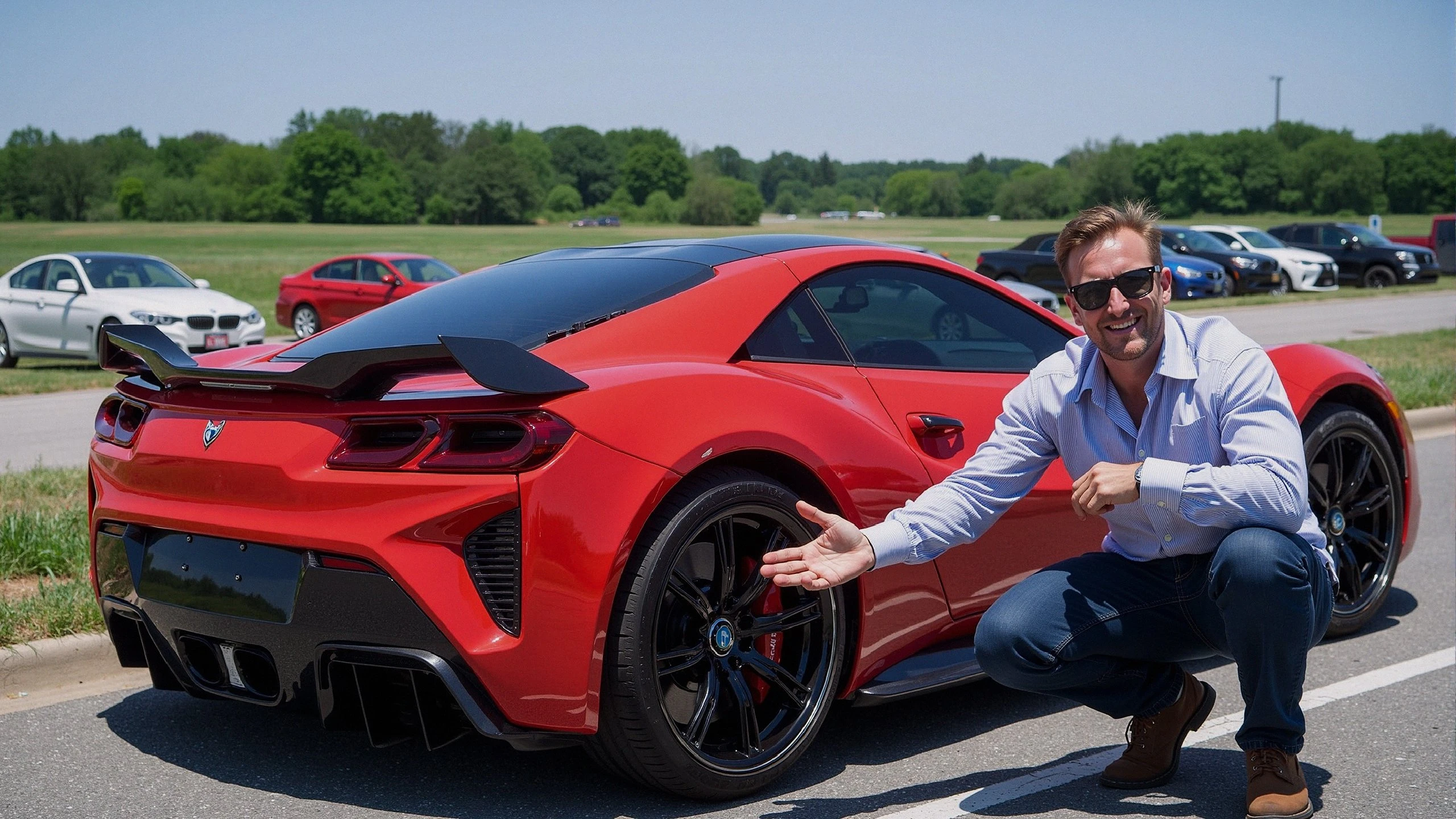
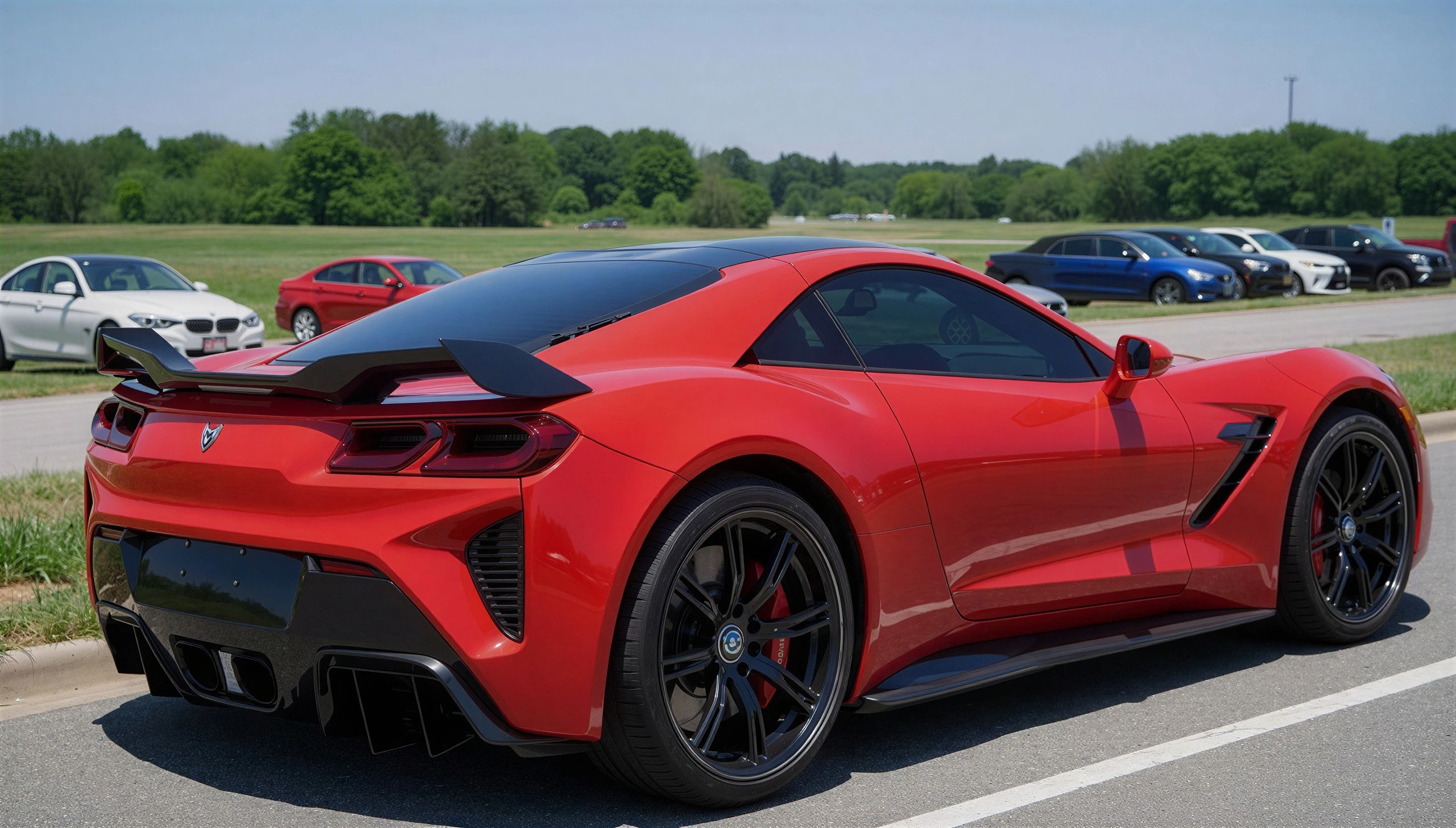
Remove a Distracting Object
Erase people, reflections, signs, or clutter so the main subject stays clean and focused.
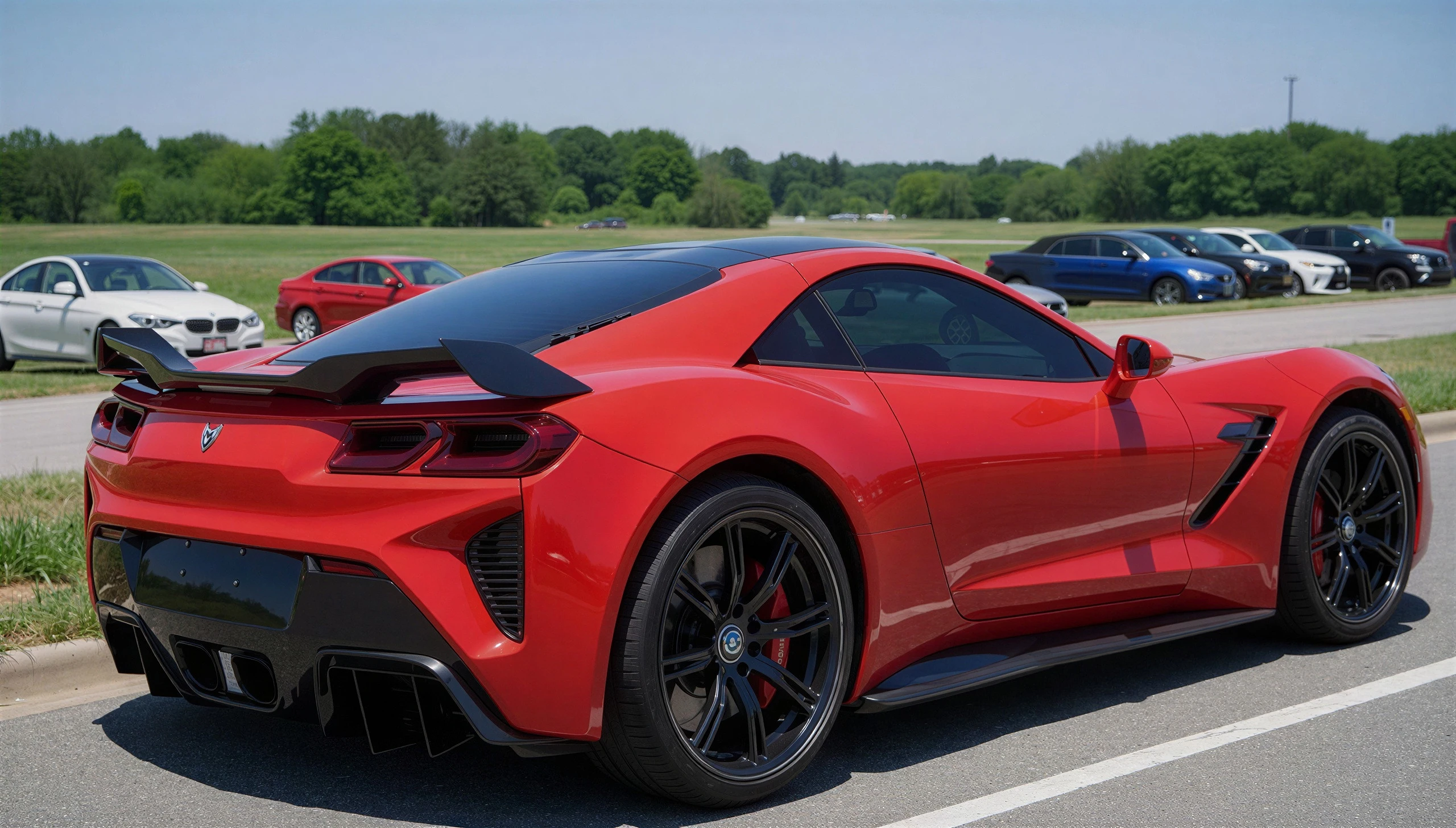
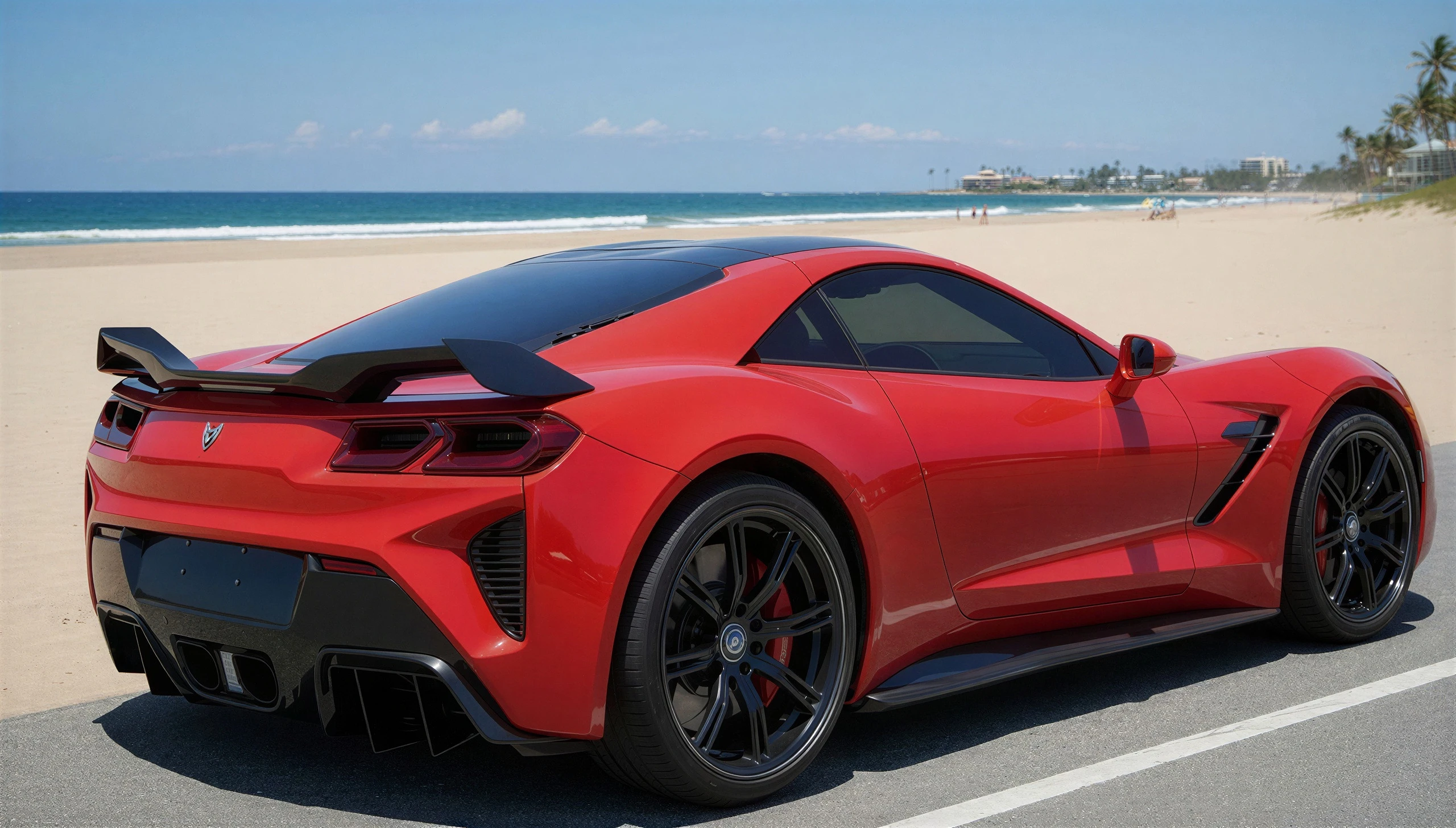
Swap to a New Background
Replace the original setting with a beach, studio, cityscape, or any scene that better fits the shot.
Use Cases
AI photo editing is useful for product cleanup, creative image generation, background replacement, and faster visual enhancement. It works well for e-commerce, content creation, branding, and design workflows where manual editing would take more time.
Photography Cleanup
Remove distracting elements, strangers in the background, or unwanted objects from otherwise perfect shots.
Creative Compositing
Add new elements to scenes, change environments, or create entirely new visual narratives using AI generation.
Product Photo Editing
Swap product backgrounds, remove reflections, and enhance product images for eCommerce without a full photoshoot.
Frequently Asked Questions
Find quick answers to common questions about AI photo editing, prompt-based changes, object removal, inpainting, outpainting, and the types of edits this tool can handle.